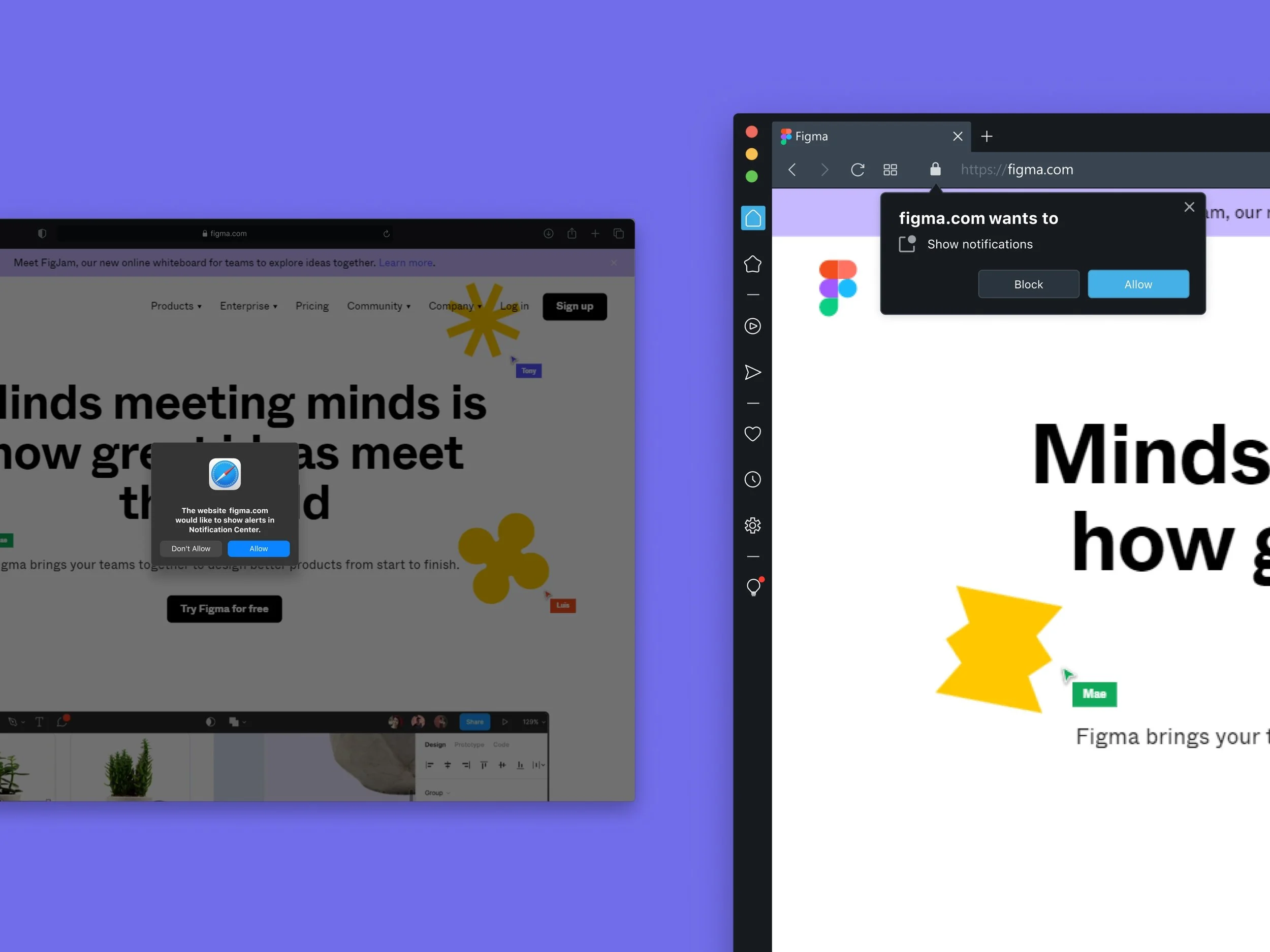
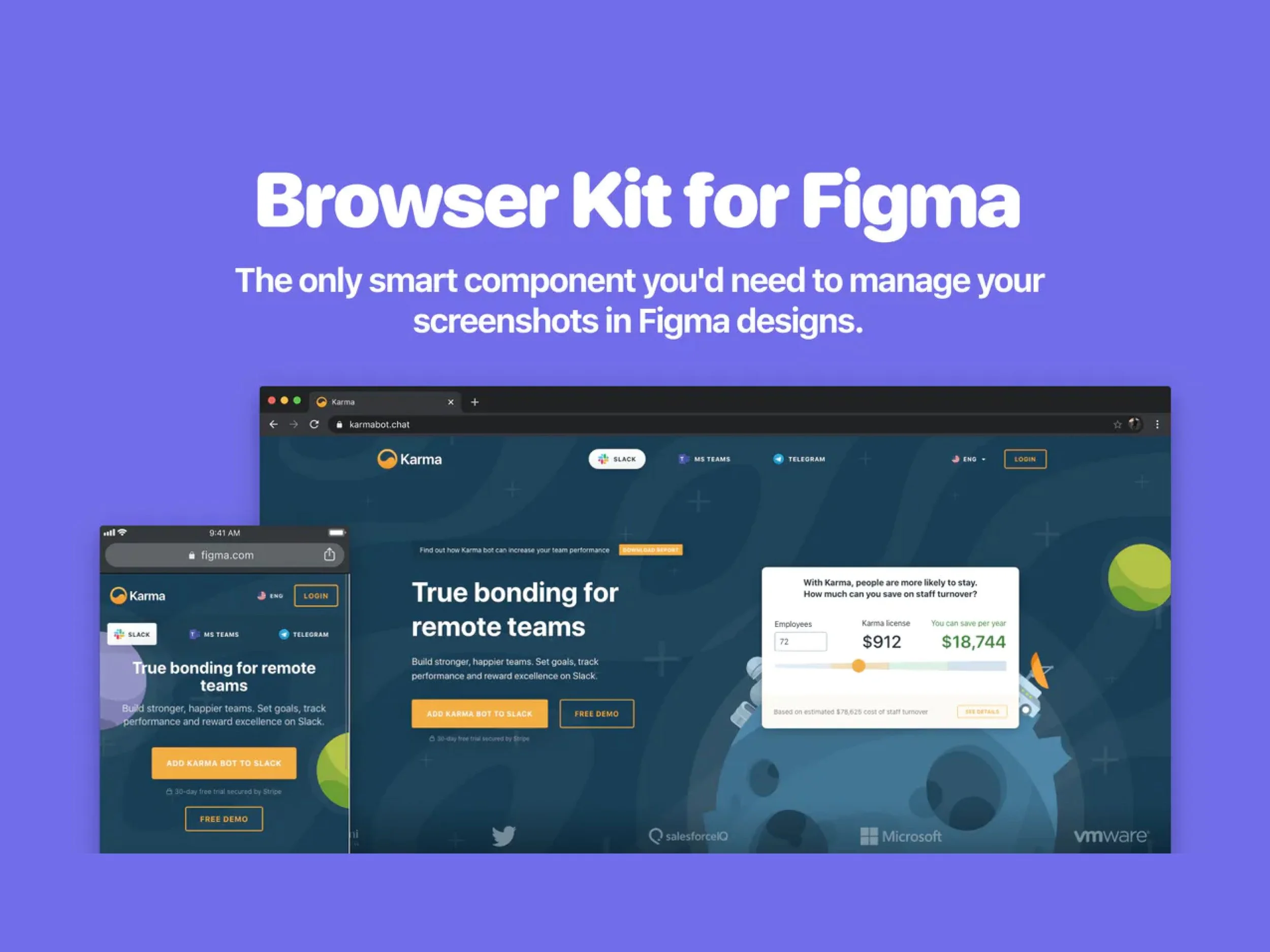
We often need to insert an image into a browser in Figma. But usually, we combined the screenshots and finally got tired of it. It was inconvenient and unpleasant, fiddling with the borders and buttons, cropping, scaling, etc. That is why we created
Browser Kit. Screenshots go from your browser directly into your design file, all thanks to the magic of Figma components. Skip the hassle of taking screenshots and cropping off all the unwanted browser chrome. Just import Browser Kit into your project and voilà! Everything is ready.
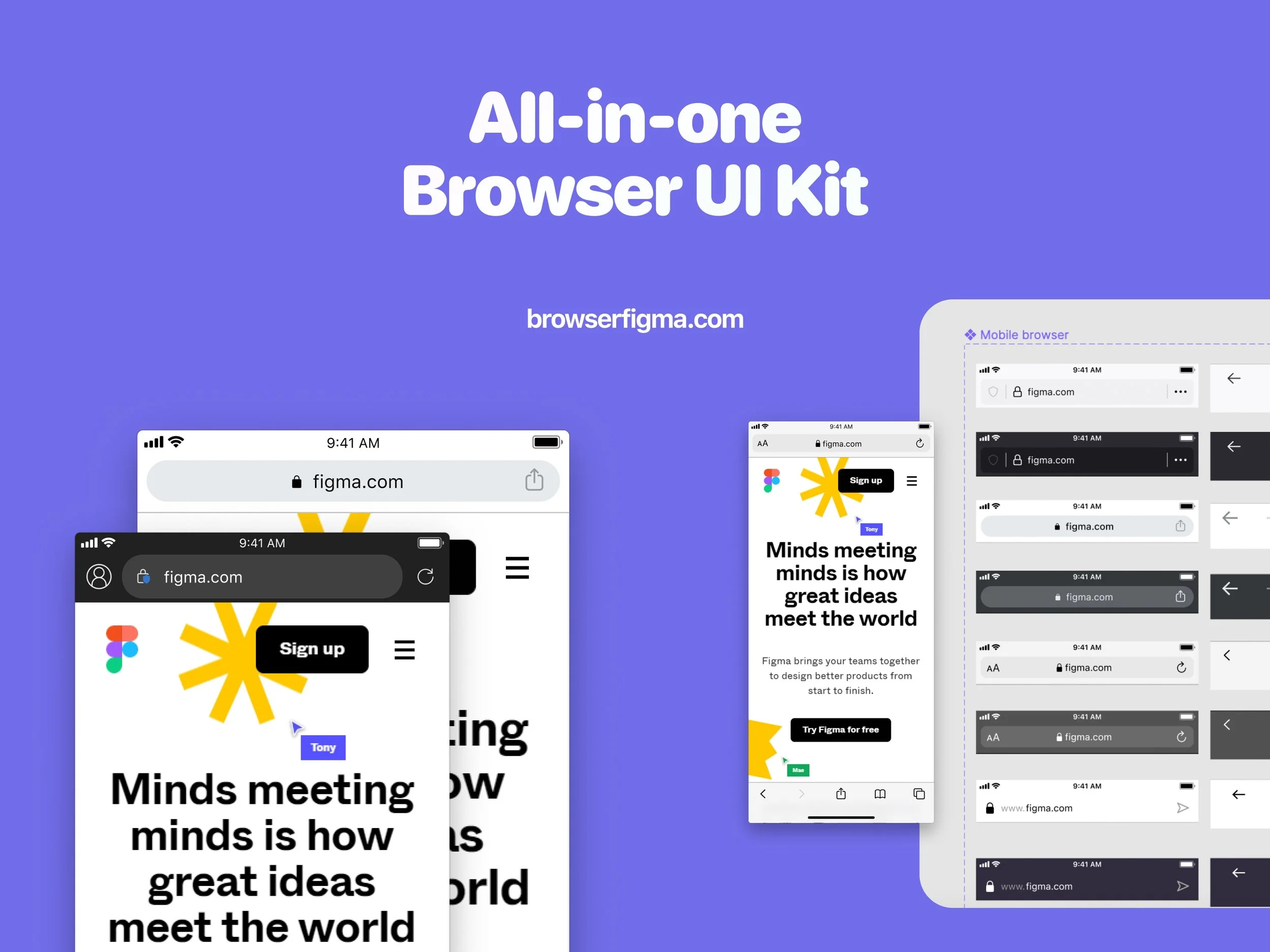
Mobile and desktop are included.
What is available:
component resize
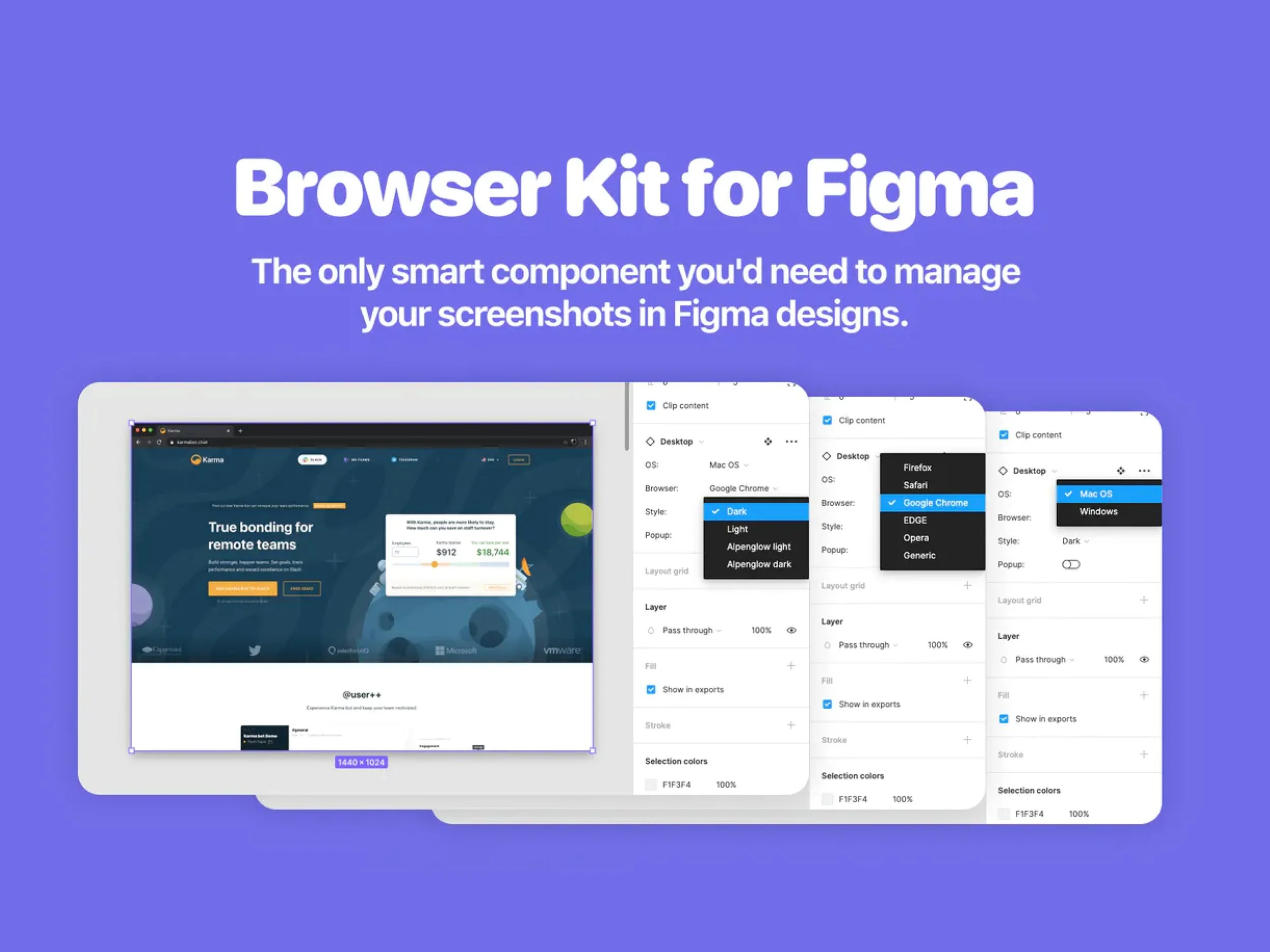
switch between OSes (Windows, Mac)
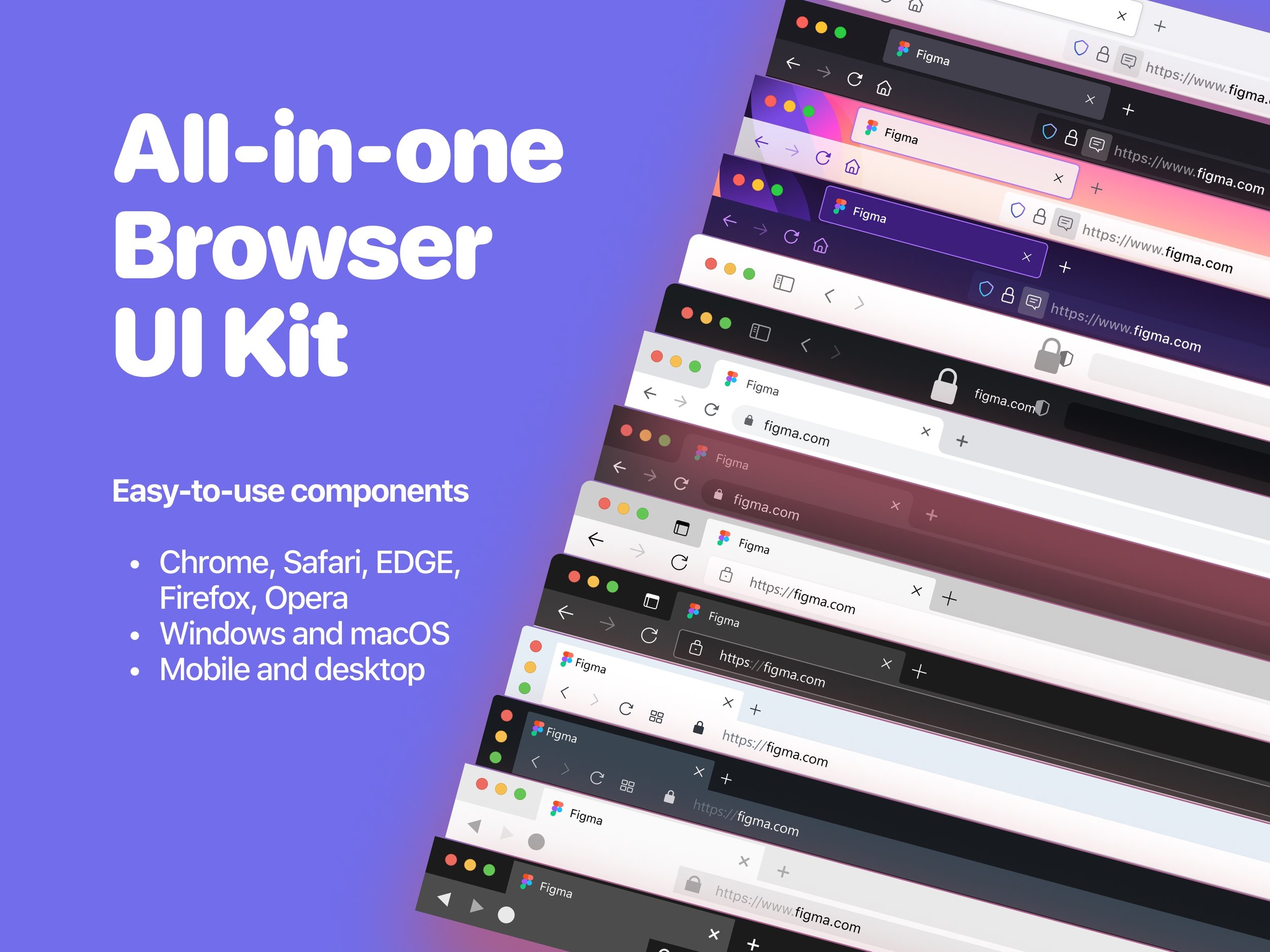
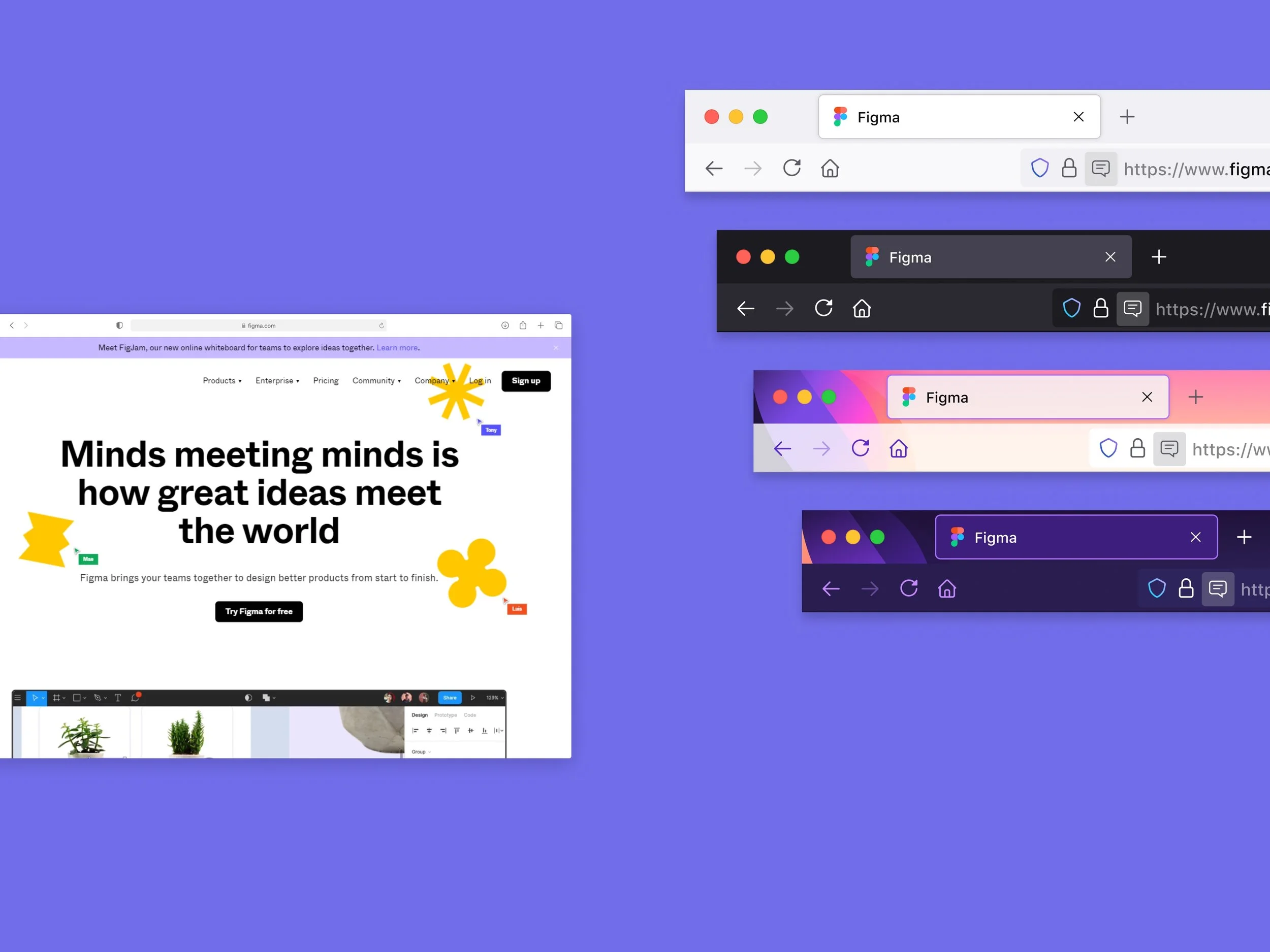
Browsers (Safari, Chrome, Opera, Firefox, Edge, generic browser)
Themes (Dark, Light, 'Artsy')
Add in-browsers UI bits such as notifications and modals
Switch between media (Desktop and mobile)
It is the only smart component you need to manage your screenshots in Figma product designs.