
Web development

Productivity & collaboration

Tools

B2C
Emoji search and input browser tool
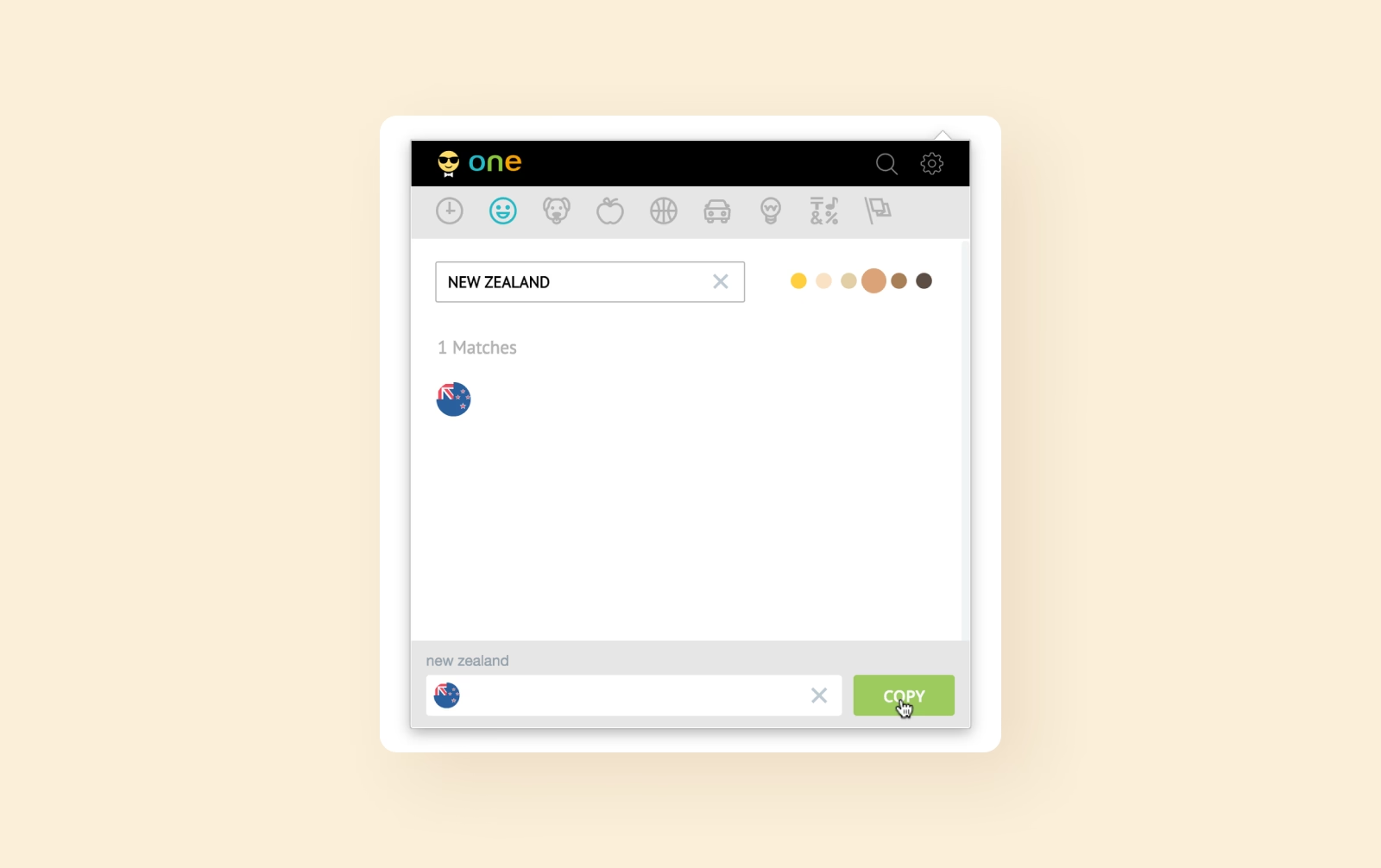
A Chrome extension that makes browsing, searching, and inserting emojis faster and easier. Built for EmojiOne™, the tool offers a spacious emoji panel, instant search, category navigation, tone toggles, resizable icons, and quick copy-paste support across popular websites.
The problem
Cluttered UI and inconsistent emoji data
The extension had an unpolished interface with inconsistent icon sets, broken categories, and unreliable behaviors in search and copy actions. These issues made navigation confusing and reduced usability across different sites and user scenarios.
The solution
Interface redesign
The layout and structure were updated to create a cleaner, more intuitive emoji browsing experience.
Search and navigation
Search logic and category navigation were improved for faster discovery of emojis.
Icon system fixes
SVG assets and icon fonts were cleaned and standardized for consistency.
Copy and input behavior
Copy-paste mechanics were refined to work reliably across input fields and sites.
Category structure
Emoji categories were aligned and corrected to match data and navigation.
Frontend stabilization
Core extension logic was updated to fix bugs and ensure stable performance.
Results
1600+
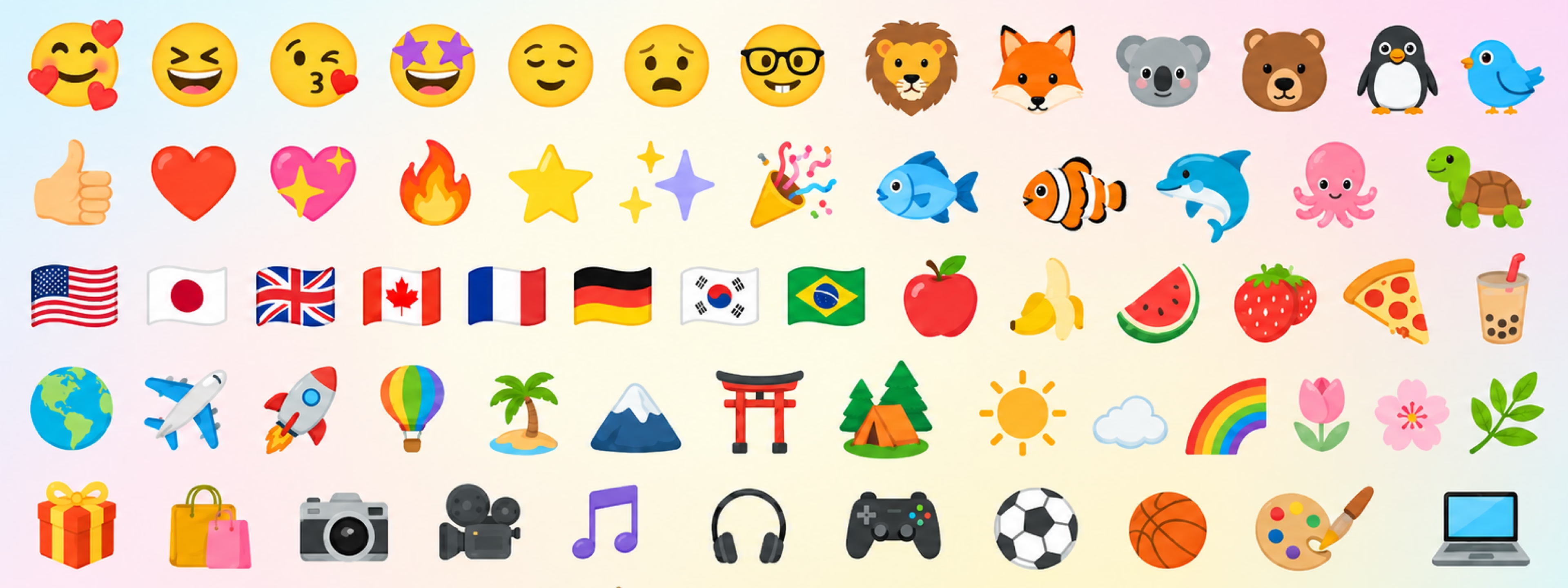
Emoji icons organized and standardized across all categories.
2x
Faster emoji search and selection with improved UX.
100%
Stable copy and input behavior across supported websites.
Key features
Highlights
Fast emoji search
An optimized search system delivers instant results as users type, making it easy to find the right emoji without scrolling through large panels.
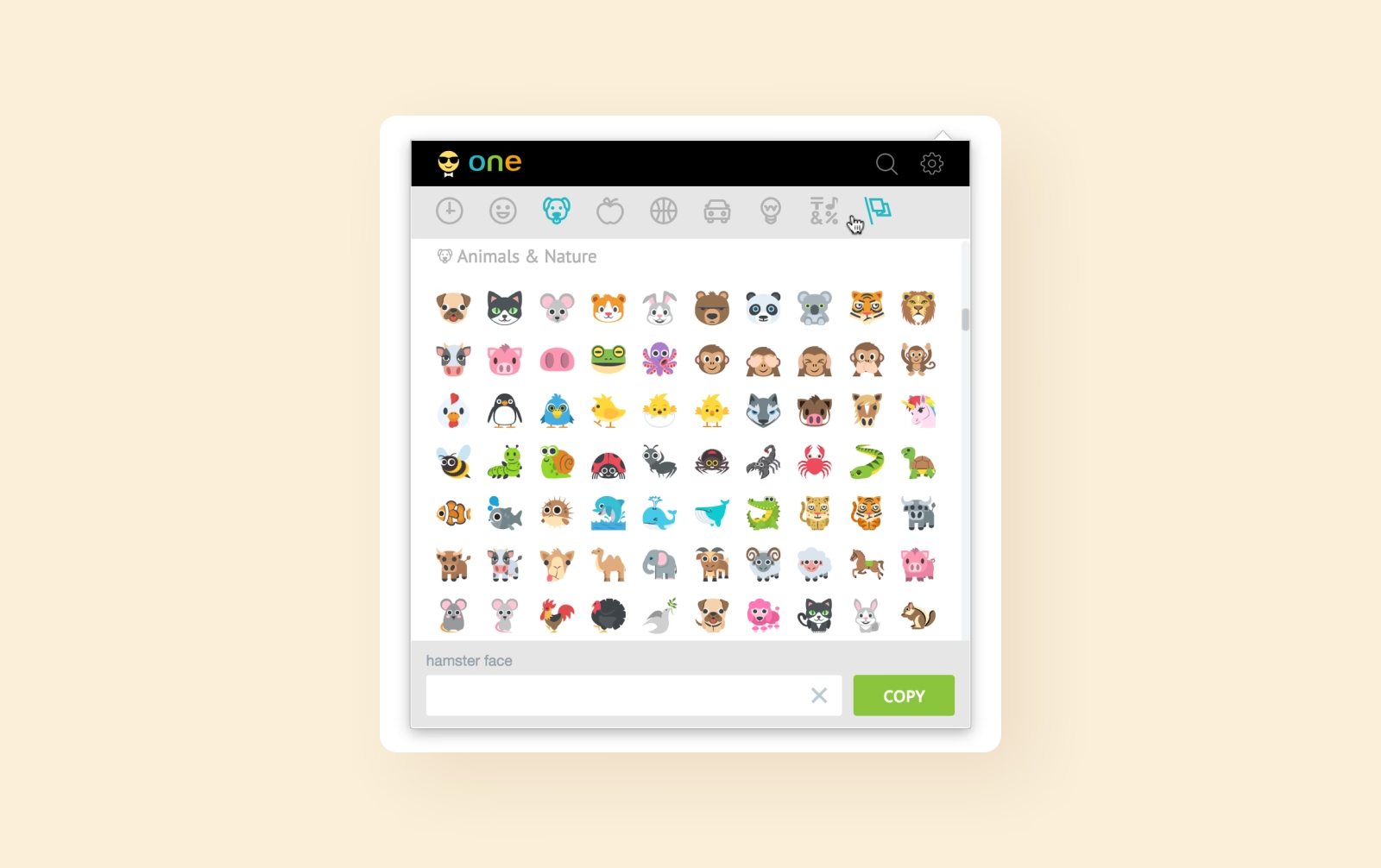
Clean category navigation
Emojis are organized into clear, consistent categories, allowing users to browse and switch between sections without confusion or missing items.
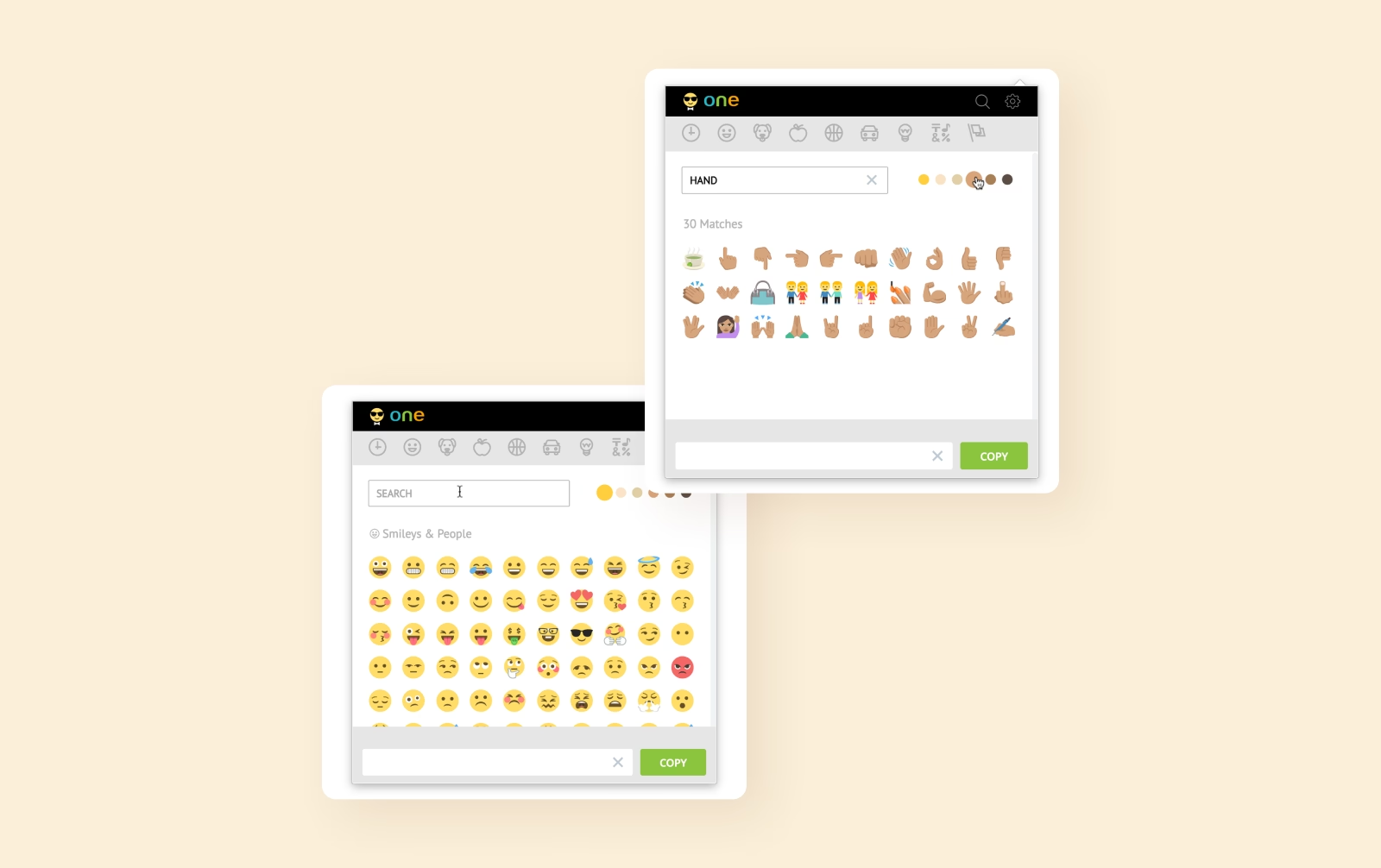
Reliable copy and input
Users can quickly copy and insert emojis into active fields, with stable behavior across websites and input types for a smooth experience.

Let's get in touch
Schedule a call with David to get free tech advice and a comprehensive quote based on over 15 years of industry expertise.
Schedule a call